Stop Wasting 70% of Your Reps' Time on Manual Research
Sales reps spend only 30% of their time selling, while the other 70% disappears into admin, internal meetings, and data entry, according to Salesforce's 2026 State of Sales summary. That's the bleeding neck for outbound teams. Your BDRs aren't losing pipeline because they lack tools. They're losing it because they're stuck researching one lead at a time, juggling tabs, copying snippets into prompts, and sending “personalized” emails that still read generic.
Bad data makes it worse. Inaccurate contact data costs reps 546 hours per year, or more than 13 full workweeks, based on the Forrester Activity Study summary covering 3,031 reps. Most B2B sales intelligence tools solve only part of that problem. They give you more records, more filters, more signals, and more dashboards. They don't reliably turn those signals into a relevant email or LinkedIn message fast enough for a rep to act while the context is still fresh.
That's why the key evaluation isn't just database size or intent coverage. It's workflow. Can the tool help your team go from signal to customized outreach without another hour of manual work? Can RevOps standardize the process without forcing reps into a rigid sequence factory?
This list ranks the top B2B sales intelligence tools through that lens. Not just who has the most data, but which platforms fit a modern outbound motion, especially when you pair core data providers with parallel, signal-based research and outreach generation.
1. PitchSmart
PitchSmart is the clearest answer to the primary outbound bottleneck. Sales teams often already have lists from Apollo, Salesforce, HubSpot, or LinkedIn Sales Navigator. What they don't have is a fast way to research those leads in parallel, pull out credible buying signals, and turn them into outreach that sounds like a human did the homework.
That's where PitchSmart's lead research workflow is different. It doesn't try to be a rented contact database. It takes the list you already have, researches accounts in bulk, scores ICP fit, surfaces public signals like hiring, funding, tech stack, public posts, and press, then generates a research summary plus draft outreach built from those signals.
Why PitchSmart stands out
The strongest feature isn't just automation. It's the order of operations. Research comes first, then draft creation. That matters because generic AI email writing usually skips the hard part and produces polished nonsense. PitchSmart anchors each draft to source-linked evidence, so reps can review, edit, and send something specific without guessing.
It also addresses the signal-to-action gap that stalls a lot of outbound teams. One industry writeup argues that teams measuring signal-to-action speed see 30 to 40% higher pipeline conversion than teams relying on dashboards alone, while many reps still lose time stitching together fragmented workflows by hand, as discussed in this analysis of sales intelligence workflow gaps.
Practical rule: If a tool gives your rep a signal but still requires them to open six tabs and write the first email from scratch, the workflow is broken.
A few practical strengths stand out:
- Bulk research over one-by-one prospecting: PitchSmart is built for parallel research and customized outreach across an entire list, not single-record lookup.
- Signal-backed hooks: It pulls conversational angles from public activity, which is far stronger than filling a template with a first name and company.
- Workflow-friendly output: Teams can export drafts into Apollo, Outreach, Salesloft, Gmail, or Outlook instead of forcing a new sender into the stack.
- Transparent sourcing: Reps can inspect the underlying source for each insight, which matters when managers want quality control.
Where it fits best
PitchSmart is best for BDRs, SDRs, outbound AEs, RevOps teams, and agencies that already know who they want to target and need better activation. It's especially useful when your motion depends on relevance, not volume. Mid-market SaaS, services, and complex B2B offers usually benefit most.
The trade-off is simple. It won't discover net-new contacts for you, and it can only work with the public signal footprint an account leaves behind. But that's still a strong trade when the alternative is asking reps to burn hours researching by hand and writing cold emails that don't connect.
2. ZoomInfo SalesOS
ZoomInfo SalesOS is the heavyweight option. If your team needs broad company and contact coverage, org charts, direct dials, enrichment, and a mature enterprise ecosystem, ZoomInfo usually makes the shortlist fast. It's especially common in US-focused outbound teams that want one vendor with a large footprint across data, workflow, and operations.
The challenge is that scale alone doesn't fix rep productivity. Big databases can create a false sense of confidence. Reps still need to decide who matters now, which signals are useful, and how to turn the record into a message that won't sound mass-produced.
What ZoomInfo does well
ZoomInfo is strong when RevOps wants control. The platform covers contact and company data, intent and account insights, browser extension workflows, and integrations into common CRM and engagement systems. For larger teams, that ecosystem matters because it reduces manual exports and patchwork ops work.
That said, there's a well-known trade-off between volume and verification. One industry analysis notes that 30 to 50% of B2B email lists can contain invalid or outdated contacts, and teams prioritizing verified direct dials over raw database scale achieve higher connect rates, according to this discussion of verification versus volume in sales intelligence. That doesn't single out ZoomInfo alone, but it does capture the buying reality around large data vendors.
- Best for: Mid-market and enterprise teams that need broad US coverage and a large integration ecosystem
- Strongest use case: Building and enriching target account lists at scale
- Main limitation: Data depth doesn't automatically create strong outreach. Reps still need a research and messaging layer
Use ZoomInfo when database breadth is the top priority. Don't expect it to solve personalization on its own.
Visit ZoomInfo SalesOS
3. Apollo.io
Apollo.io is popular because it compresses a lot of outbound functionality into one place. You get contact data, list building, enrichment, sequencing, tasks, analytics, and a Chrome extension. For lean teams, that all-in-one model is attractive because it cuts tool sprawl and helps reps launch quickly.
That convenience is real. It's also why Apollo gets adopted fast inside startups, agencies, and smaller SDR teams. If your stack is still taking shape, Apollo can cover a lot of ground before you need a more specialized system.
Where Apollo wins
Apollo is usually the practical choice when a team wants decent coverage, built-in outreach, and lower operational overhead than a larger enterprise suite. It works well for fast list building, basic segmentation, and getting sequences live without stitching together multiple vendors.
Its weakness is the same weakness most all-in-one tools have. The platform can help you find and contact people, but the rep still has to create relevance. That's where many teams hit the wall. A contact record and a sequence engine don't automatically produce a good opener.
Good outbound doesn't fail because reps lack access to email addresses. It fails because they don't have enough context to say something worth replying to.
Another operational issue is cognitive load. One sales intelligence summary says 87% of sales organizations now use AI, yet sellers juggle an average of eight tools per day, and overwhelmed sellers are 45% less likely to perform tasks, as noted in this overview of AI and tool overload in B2B sales. Apollo can reduce some of that sprawl, which is a real advantage.
- Best for: SMBs, startups, and agencies that want one platform for data plus outreach
- Strongest use case: Fast deployment and broad functionality for smaller teams
- Main limitation: Data quality and connect rates can vary by segment, and personalization still needs a stronger research process
4. LinkedIn Sales Navigator
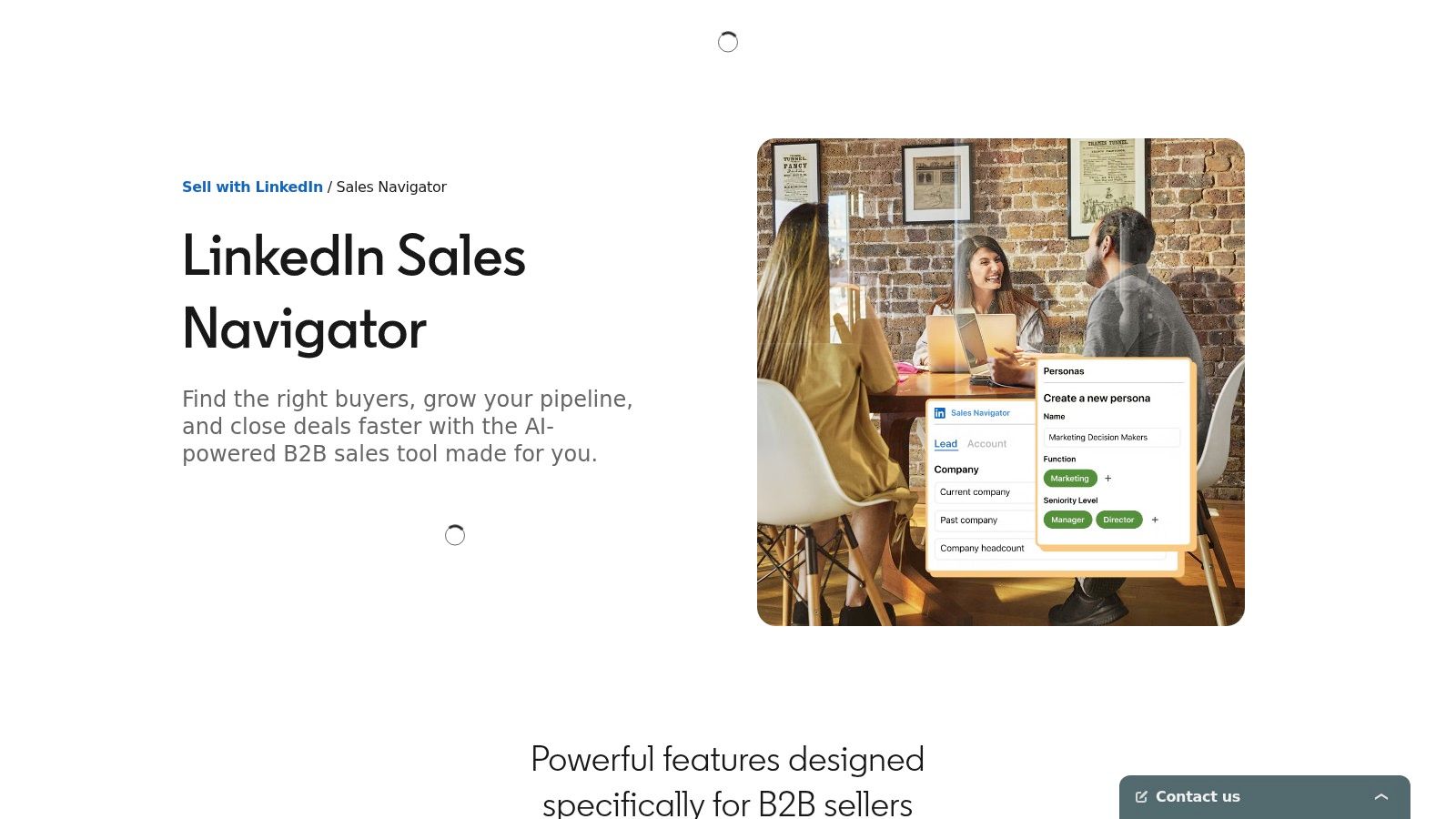
LinkedIn Sales Navigator is still one of the most useful B2B sales intelligence tools because it gives reps first-party professional context. Titles, job changes, company updates, shared connections, and account tracking are often more current here than in many third-party databases. If your team sells into named accounts or relies on social proximity, it's hard to replace.
It's also one of the best tools for building a clean starting list. Reps can narrow by role, geography, function, company traits, and recent movement, then save leads and monitor changes over time. That's especially valuable when your ICP depends on the right person, not just the right company.
Why reps still rely on it
Sales Navigator's value is freshness and context, not direct contact depth. It helps reps understand who moved, who posted, who got promoted, and which account is changing. Those are often the raw ingredients for a strong opener.
High-performing sellers are 4.1 times more likely to use sales intelligence tools to identify opportunities across accounts than lower performers, according to Vendavo's sales intelligence overview. Sales Navigator fits that pattern well because it supports account selection and timing, even if it isn't a complete outbound system by itself.
Its biggest limitation is obvious. It doesn't serve as your primary email and phone database. It complements other tools. In practice, many teams use Sales Navigator to identify the right people and fresh context, then use another platform for contact data and another layer, such as PitchSmart, to turn those signals into usable outreach.
- Best for: Account-based prospecting, relationship intelligence, and fresh professional context
- Strongest use case: Precise ICP targeting and lead monitoring
- Main limitation: It's not a primary source for verified emails and phone numbers
5. Cognism
European outbound breaks down fast when reps cannot trust contact data or consent standards. Cognism stands out because it is built for that reality, especially for teams calling into the UK and wider EMEA.
Its value is specific. You buy Cognism when mobile number coverage, GDPR-conscious sourcing, and regional fit matter more than having the biggest possible global database. That is a different buying decision from a US team that mainly needs bulk email volume.
The practical trade-off is straightforward. Cognism can improve connect rates for phone-heavy teams in Europe, but it is not automatically the best value for every outbound motion. If your pipeline depends on US SMB email outreach, you may get more from a broader, cheaper database. If your reps are working named accounts across EMEA, bad numbers and compliance risk cost more than the license.
That matters because sales intelligence only solves part of the problem. A platform like Cognism gives reps contact records and firmographic filters. It does not remove the manual work of figuring out why now, what changed in the account, or how to turn a contact into a relevant opener. That is where the workflow needs to change. Strong teams pair data tools like Cognism with signal-based research and message creation, so reps can work multiple accounts in parallel instead of researching one prospect at a time.
When Cognism is the smarter buy
Cognism fits teams that run outbound in regulated or compliance-sensitive environments and still need reps on the phone. It is especially useful for EMEA coverage, where regional data quality and sourcing standards affect day-to-day execution, not just procurement reviews.
- Best for: EMEA prospecting teams and compliance-sensitive organizations
- Strongest use case: Phone-based outreach where verified mobile numbers matter
- Main limitation: It is a narrower fit for teams focused primarily on US outbound
6. Lusha
Lusha is the simple option. It's lightweight, easy to roll out, and familiar to reps who want quick contact lookups through a browser extension without buying a heavier platform. For small teams, that ease matters because adoption usually beats feature depth in the early stages.
This is the kind of tool that works well when managers don't want a long implementation cycle. Reps can install the extension, look up contacts, share credits, and move on.
Best use case for Lusha
Lusha fits best as a contact discovery layer, not a complete outbound operating system. It's useful when an SDR needs a quick way to grab emails, direct dials, or company basics while working in LinkedIn or another familiar interface.
The trade-off is predictability at scale. Credit-based usage can get tight for heavy outbound teams, and coverage depth can vary by region and segment. That means Lusha is often a good add-on, but not always the backbone of a mature motion.
If your reps only need faster lookups, Lusha can be enough. If they need better timing, better prioritization, and better messaging, it won't carry the full load.
One practical pattern shows up often. Smaller teams start with Lusha because it's easy, then add a stronger workflow layer later when they realize lookup speed isn't the same as sales productivity.
- Best for: Small teams and individual reps who need easy contact lookup
- Strongest use case: Browser-based prospecting and lightweight enrichment
- Main limitation: It's better as a supplement than a full intelligence and activation platform
7. 6sense Revenue AI for Sales
6sense is built for teams that need to decide which accounts deserve attention first. It fits best in mid-market and enterprise environments where sales, marketing, and RevOps already share territory rules, target accounts, and clear handoffs. In that setup, account scores, buying-stage indicators, and intent signals can improve prioritization.
The trade-off is operational complexity. 6sense works best after a team has the basics under control, clean CRM data, defined account ownership, and reps who already know how to run coordinated outbound against named accounts. If those pieces are weak, the platform can produce more dashboards than meetings.
That matters because account intelligence only helps if reps can turn it into action fast. 6sense can surface which accounts look active. It does not solve the manual research bottleneck on its own. Reps still need to figure out what changed at the account, which stakeholder to contact, and how to write a message that sounds relevant instead of generic.
That is the bigger workflow issue this category often misses. Data tools rank accounts and surface signals. The actual outbound bottleneck is converting those signals into usable context across many accounts at once. A parallel, signal-based research layer is what closes that gap. It complements a platform like 6sense instead of replacing it.
What 6sense is really for
6sense is a strong fit for account-based motions where coverage matters more than raw lead volume. Teams can use it to focus SDR time on accounts showing buying activity, route priorities across pods, and align outbound with marketing programs already running against the same list.
Where teams struggle is activation at the rep level. Account-level intent can tell you where interest may exist, but it rarely gives a rep a complete first message. That is why 6sense tends to perform best when paired with a workflow that helps reps move from signal to account-specific outreach without spending hours researching each company one by one.
- Best for: Mid-market and enterprise teams running account-based sales motions
- Strongest use case: Prioritizing in-market accounts and aligning revenue teams around account signals
- Main limitation: It needs disciplined process, clean data, and a separate activation layer to create real outbound conversations
6sense points reps toward the right accounts. It usually does not create the outreach angle for them.
Learn about 6sense Revenue AI for Sales
8. Bombora
Intent data gets overinterpreted all the time. A spike in research activity can help you rank accounts, but it does not tell a rep who is involved, what changed internally, or how to open a useful conversation.
That is Bombora's real role. It gives sales and marketing teams third-party intent signals, especially through Company Surge, so they can spot which accounts are showing unusual interest in a topic and adjust targeting, timing, or account priorities. Used well, it helps teams reduce wasted outreach against cold accounts.
The trade-off is activation. Bombora improves account selection, but reps still need contact validation, account context, and a reason to reach out now. That matters because the main outbound bottleneck usually is not finding one more signal. It is turning signals across many accounts into relevant messaging without forcing reps into hours of manual research. A parallel, signal-based research workflow effectively complements Bombora. Bombora points you to movement. A tool like PitchSmart helps convert that movement into usable outreach context at scale.
How to use Bombora well
Bombora works best as one input in your prioritization model. Pair it with firmographic filters, CRM history, active opportunities, and rep-level research. If a target account is surging on a topic you sell into, that is a good reason to look closer. It is not a good reason to send the same generic email to every contact at the company.
Teams usually get the most value from Bombora in ABM programs, territory planning, and marketing to sales handoffs where account ranking matters more than direct prospecting data.
- Best for: Teams that want third-party intent signals to prioritize accounts
- Strongest use case: Improving account selection for ABM, outbound prioritization, and segmentation
- Main limitation: Reps still need a separate workflow for contact validation and message creation
Bombora is useful signal infrastructure inside a broader sales stack.
9. Clearbit by HubSpot
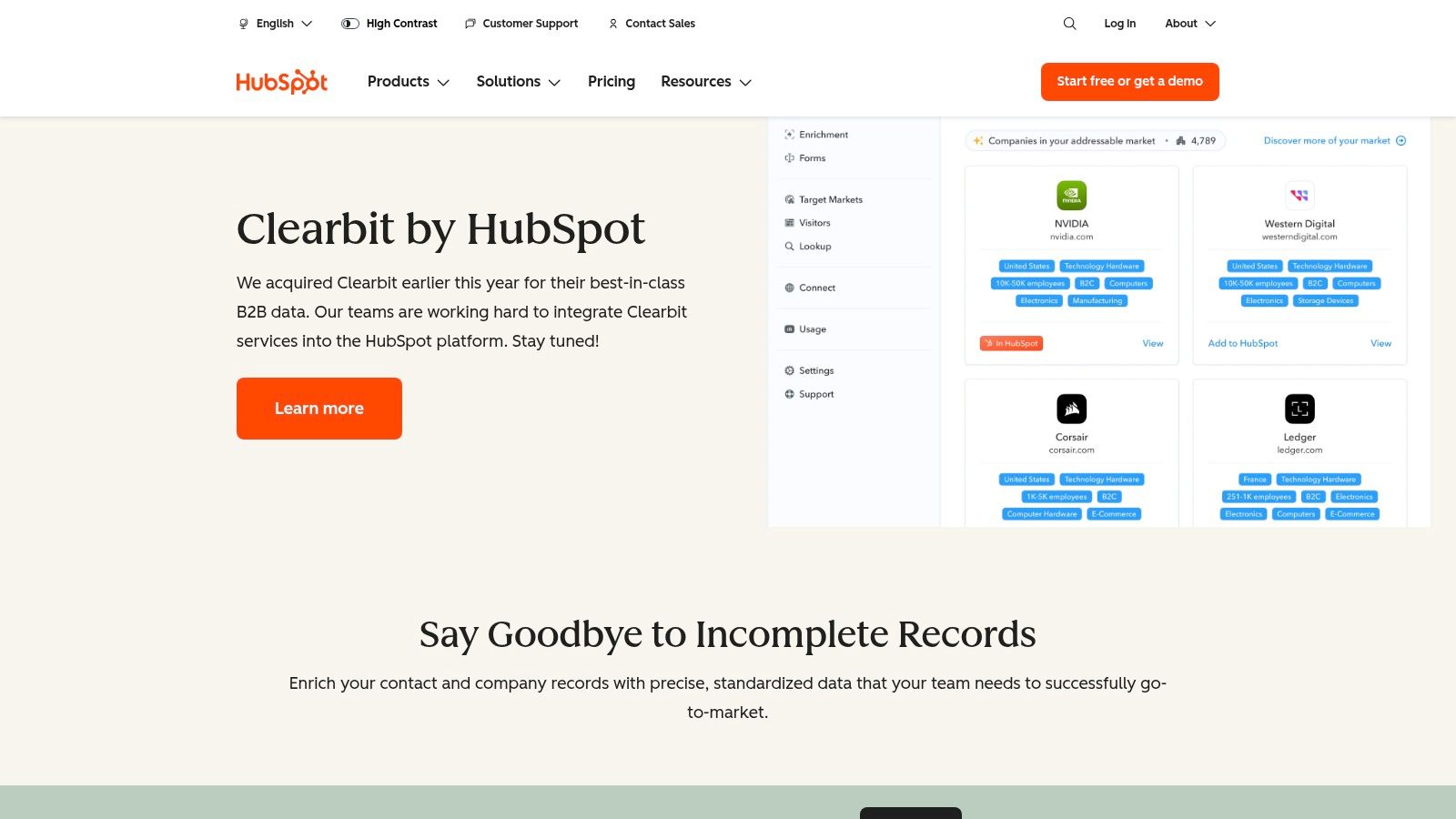
Clearbit makes the most sense inside HubSpot. Now positioned through Breeze Intelligence, it gives HubSpot-centric teams enrichment, site visitor identification, audience building, and CRM-native activation. If your sales and marketing teams already live in HubSpot, the native experience is its key value.
That native fit often matters more than feature-by-feature comparisons. A tool that works directly inside the CRM usually gets used more consistently than one that lives in another tab and depends on exports.
Best fit for Breeze Intelligence
Clearbit is a strong choice when your goal is to enrich records, reveal company-level web traffic, and tighten audience workflows inside HubSpot. It helps teams keep data cleaner and route activity into automation without building a separate system.
The main caution is stack dependence. If you aren't invested in HubSpot, Clearbit loses much of its advantage. And if your biggest issue is manual prospect research and cold email relevance, enrichment by itself won't solve it.
A recurring pattern across B2B sales intelligence tools is that enrichment improves routing and segmentation, while a separate research layer improves the actual outreach. Teams that mix those layers well usually outperform teams that expect one vendor to handle everything.
- Best for: HubSpot-first revenue teams
- Strongest use case: CRM-native enrichment and audience building
- Main limitation: It's much less compelling outside the HubSpot ecosystem
10. Crunchbase
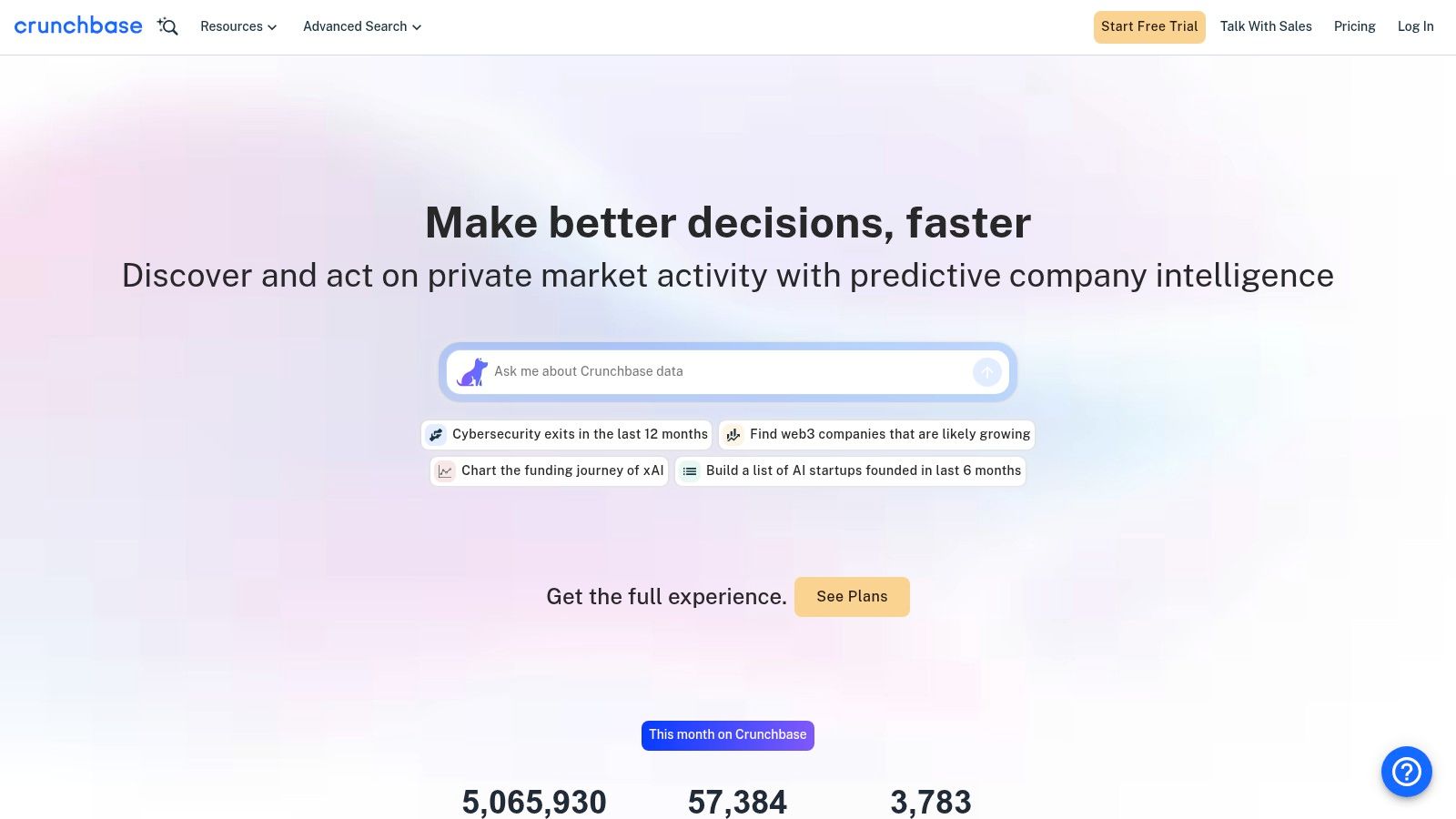
Sales reps waste hours on accounts that have no reason to buy right now. Crunchbase helps cut that waste by surfacing change signals early. Funding rounds, hiring momentum, leadership moves, acquisitions, and company news give teams a practical way to prioritize who deserves research time first.
That matters because static list building is usually the bottleneck. Firmographics can tell you who fits. They rarely tell you why now.
Crunchbase is strongest at the top of the workflow. Use it to spot accounts entering a buying window, then pair it with a contact data tool for coverage and a research layer like PitchSmart for message relevance. That combination works better than asking one database to handle targeting, contact accuracy, and personalization on its own.
Where Crunchbase helps most
Crunchbase is a good fit for outbound teams selling into growth-stage or change-sensitive companies. If your product tends to get attention after a fundraise, a new executive hire, a market expansion, or a visible hiring push, it gives reps a faster way to build lists around those signals instead of pulling broad, cold segments.
There is a trade-off. Crunchbase gives you timing context better than it gives you full contact depth. Teams still need another tool if the next step is direct dials, verified emails, or multichannel sequencing at scale.
Used well, Crunchbase improves account selection. It does not replace the rest of the stack.
- Best for: Finding net-new accounts based on funding, growth, and company changes
- Strongest use case: Trigger-based account discovery and prioritization
- Main limitation: You will usually need another tool for contact coverage and actual outbound execution
Top 10 B2B Sales Intelligence Tools Comparison
| Product | Core features | Quality (★) | Value / Pricing (💰) | Target Audience (👥) | Key Differentiator (✨) |
|---|---|---|---|---|---|
| 🏆 PitchSmart | Bulk parallel research, source‑cited signals, scores + 3 tailored email drafts | ★★★★☆ (fast, evidence-driven) | 💰 Free trial (no CC) + free tier (10 leads/mo); contact for plans | 👥 BDRs/SDRs, outbound AEs, RevOps, agencies (mid–high-ticket B2B) | ✨ Parallel list research + source‑linked outreach drafts; privacy‑first |
| ZoomInfo SalesOS | Extensive contact/company database, intent, org charts, APIs | ★★★★☆ (coverage leader) | 💰 Enterprise/opaque pricing | 👥 Mid‑market & enterprise sales and RevOps | ✨ Best‑in‑class US contact depth & ecosystem |
| Apollo.io | Large contact DB + multichannel outreach, enrichment, analytics | ★★★★☆ (strong price‑to‑value) | 💰 SMB‑friendly; credits/add‑ons can add cost | 👥 SMBs, SDR teams, agencies | ✨ Integrated outreach + list building in one tool |
| LinkedIn Sales Navigator | Advanced search, saved leads/alerts, TeamLink, InMail | ★★★★☆ (up‑to‑date roles) | 💰 Seat‑based; InMail limits increase cost | 👥 Social sellers, account execs relying on relationship signals | ✨ First‑party professional data & relationship intelligence |
| Cognism | GDPR‑first data, EMEA mobile coverage, phone‑verified contacts | ★★★★☆ (strong EMEA) | 💰 Custom pricing; higher entry cost | 👥 EMEA‑focused teams, compliance‑sensitive operations | ✨ Phone‑verified mobile (Diamond) + compliance workflows |
| Lusha | Lightweight contact lookup & enrichment, Chrome extension | ★★★☆☆ (easy adoption) | 💰 Lower starter cost; credit caps for heavy users | 👥 Small teams, SDRs needing quick lookups | ✨ Simple UI and fast team onboarding |
| 6sense Revenue AI | Deanonymization, behavioral intent, predictive account scoring | ★★★★☆ (powerful for ABM) | 💰 Expensive; enterprise budget required | 👥 Mid→enterprise ABM and revenue teams | ✨ Identity resolution + predictive in‑market scoring |
| Bombora (Company Surge) | Company Surge intent topics, trend intensity, ecosystem integrations | ★★★☆☆ (intent standard) | 💰 Usage‑based / opaque pricing | 👥 ABM teams and intent‑driven prioritization | ✨ Industry‑standard third‑party intent signals |
| Clearbit (Breeze Intelligence) | Enrichment, Reveal visitor ID, ICP discovery inside HubSpot | ★★★★☆ (native HubSpot UX) | 💰 HubSpot + Breeze credits (layered costs) | 👥 HubSpot‑centric marketing & sales teams | ✨ Native CRM enrichment + Reveal inside HubSpot |
| Crunchbase | Funding, growth signals, trigger alerts, account discovery | ★★★☆☆ (great for triggers) | 💰 Lower entry cost; export/contact limits on tiers | 👥 Teams hunting net‑new accounts tied to funding/hires | ✨ Funding & trigger alerts for timing outreach |
Intelligence Isn't Enough Turn Data Into Conversations
Reps can lose hours each week to research and message drafting even when the account list is already sitting in the CRM. That is a key weakness in a lot of sales intelligence stacks. The problem is no longer access to data. It is turning scattered signals into outreach a buyer will answer.
A rep spots a hiring spike, a funding round, or a new executive hire. Then the manual work starts. They check LinkedIn, scan the company site, compare records across a data tool and the CRM, and try to turn all of that into a credible email. The signal may be fresh, but the workflow is slow. By the time the message goes out, the timing advantage is often gone.
That is why this category needs a better frame than a simple tool ranking. Outbound has four separate jobs: find accounts, verify contacts, identify timing signals, and convert those inputs into conversations. Most tools on this list do one or two of those jobs well. Very few reduce the work between seeing a signal and sending a strong first message.
That gap shows up fast in day-to-day pipeline performance. Reps spend less time selling and more time stitching together context. Managers respond with tighter process, more coaching, or extra dashboards. Those fixes help at the margin, but they do not remove the research bottleneck.
Bottom line: The teams that win outbound usually move from fresh signal to specific outreach faster, with less manual work.
PitchSmart stands out because it addresses that bottleneck directly. It does not try to replace your database, CRM, or intent platform. It works alongside them. Use ZoomInfo, Apollo, Sales Navigator, Cognism, Bombora, or Crunchbase to source and prioritize accounts. Then use a parallel, signal-based research workflow to turn those inputs into source-backed hooks and ready-to-edit messaging your reps can send now.
That distinction matters. A database gives coverage. An activation layer gives speed and relevance. Strong outbound teams need both.
If your main problem is building lists, choose the data provider that fits your market, coverage needs, and budget. If your reps already have lists but still spend too much time researching and writing weak emails, fix the activation workflow first. In many teams, that is where pipeline slows down.
If your reps already have target lists but still spend too much time researching, rewriting, and sending generic outreach, PitchSmart is worth testing. It turns manual, one-by-one prospecting into parallel, signal-backed research with customized draft sequences your team can review and use inside the tools you already run.