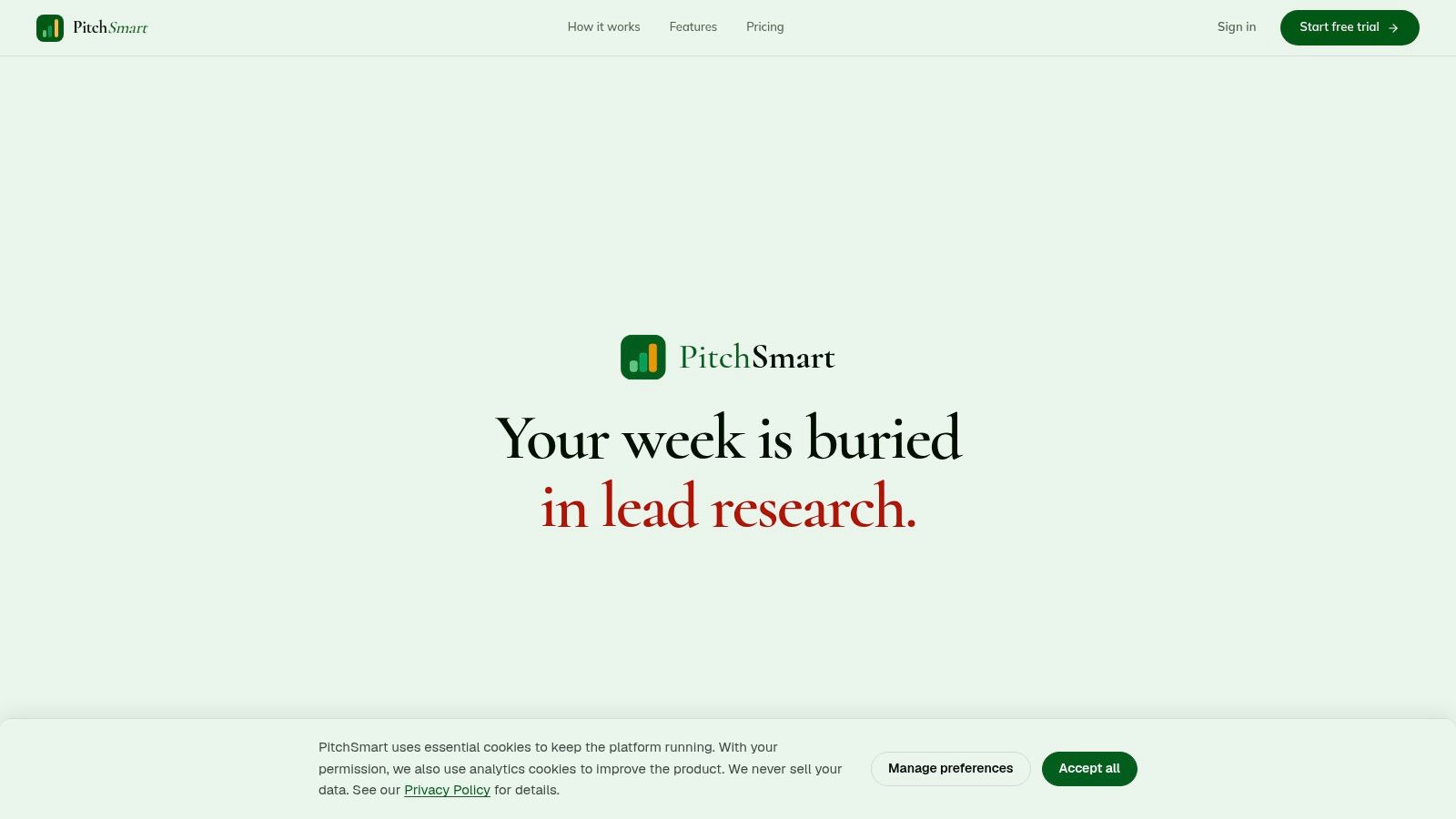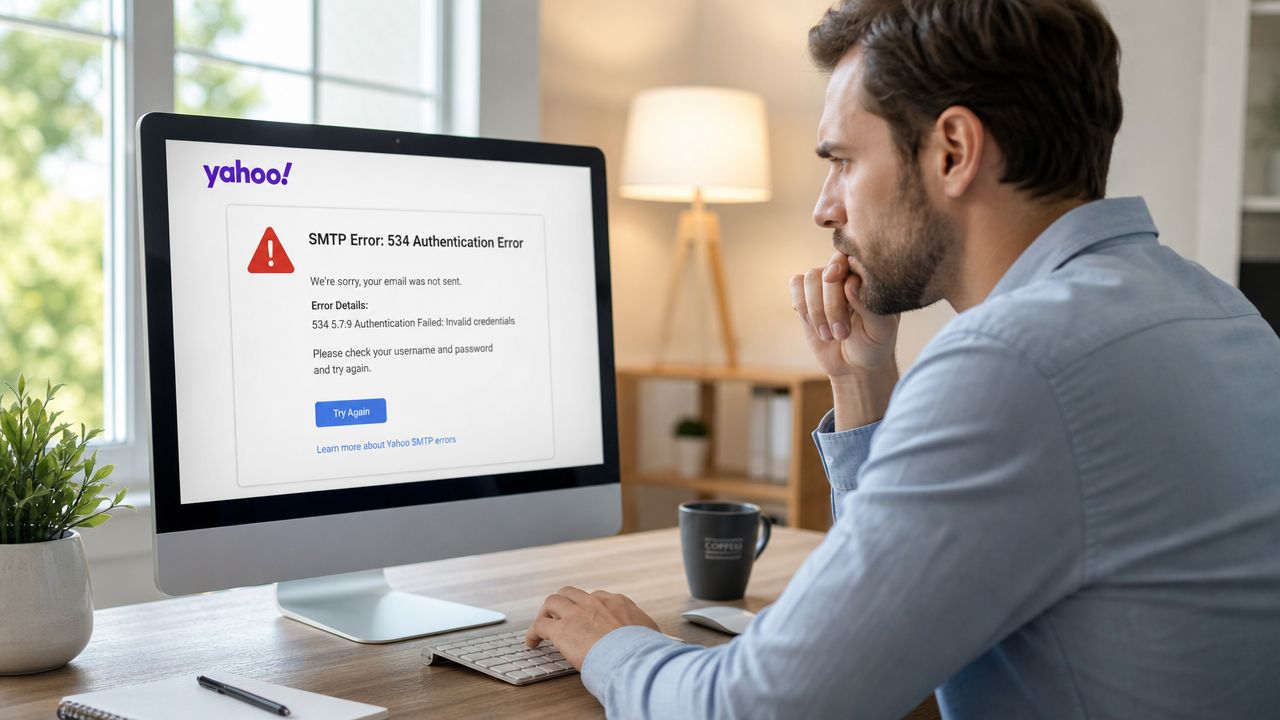
Your SDR has the list. The messaging is drafted. LinkedIn touches are queued. Then the launch stalls because Yahoo SMTP keeps throwing authentication errors, timing out, or failing without explicit errors. That's not a small setup nuisance. It's pipeline work stuck behind bad plumbing.
This is why Yahoo SMTP setup is more critical than often realized. Reps already lose too much time to manual research and non-selling work. If the mailbox itself isn't configured correctly, every minute spent writing outreach gets wasted before a prospect even has a chance to read it. The technical setup has to be boring, reliable, and locked down so the team can focus on relevance, sequencing, and booking meetings instead of debugging mail clients. Teams building outbound systems with tools like PitchSmart still need that first layer to work cleanly, or the rest of the motion never gets off the ground.
Why Your Outreach Fails Before It Even Starts
A new SDR usually thinks the hard part is writing the email. It isn't. The hard part is getting a message out consistently, from a mailbox that's configured correctly, through a workflow that doesn't break the moment volume or sequencing starts.
I've seen the same pattern across outbound teams. A rep spends half a day building a sequence in Outlook, Thunderbird, or a sales tool. They finally hit send, then get hit with Connection Error, Authentication Failed, or a message that appears sent but never behaves like a stable outbound channel. By the time someone figures out the issue, that rep has burned selling time, lost confidence in the setup, and usually starts improvising workarounds that create even more mess.
Bad outbound doesn't always fail at copy. A lot of it fails at configuration.
That problem gets worse when the organization already has a manual prospecting burden. If reps are juggling tabs, copying account notes by hand, and stitching together personalization from scattered sources, they can't afford mail setup friction on top of that. A broken Yahoo SMTP setup turns every campaign into a stop-start exercise. Reps delay launches. Managers can't trust activity. RevOps gets pulled into basic mailbox debugging instead of fixing the actual system.
The hidden cost of a bad setup
The most frustrating part is that SMTP failure looks small from the outside. It's “just settings.” But in practice it creates three business problems:
- Wasted rep time: The team writes outreach that never leaves the building.
- Lost opportunities: Follow-ups slip, launch windows close, and meetings don't get booked.
- Operational drag: Sales ops ends up troubleshooting inboxes instead of improving research, targeting, and sequence quality.
If your outbound motion depends on Yahoo Mail, this setup is not optional. It's the minimum standard before any rep starts prospecting.
The Core Yahoo SMTP Settings You Must Get Right
Yahoo SMTP is simple when you use the exact settings and painful when you improvise. The essential requirements are straightforward: Yahoo SMTP setup requires the server address smtp.mail.yahoo.com with port 465 for SSL or port 587 for TLS. Authentication is mandatory and requires a dedicated app password generated via Yahoo's security settings, not the standard account password. That configuration is documented in Avada's Yahoo SMTP setup guide.
Use the exact settings
Here's the clean reference.
| Setting | Value |
|---|---|
| Server | smtp.mail.yahoo.com |
| Port | 465 |
| Encryption | SSL |
| Alternate Port | 587 |
| Encryption on Alternate Port | TLS |
| Authentication | Required |
| Username | Full Yahoo email address |
| Password | Yahoo app password |
Call this table what it is: Yahoo SMTP Configuration at a Glance. If your client has even one field wrong, the setup can fail.
What works better in modern clients
In real outbound environments, the choice usually comes down to port 465 with SSL or port 587 with TLS. Both are valid. The trade-off is compatibility versus legacy behavior.
A lot of older tools still connect cleanly on 465. Some teams use it because it's already baked into older configurations. But for modern mail clients and newer integrations, port 587 is the recommended standard for current configurations according to Instanly's Yahoo SMTP settings reference. If you're standardizing a new setup for SDR onboarding, start with 587 unless your client explicitly requires 465.
Practical rule: Don't let each rep guess their own SMTP settings. Standardize one working configuration and roll it out the same way every time.
A few things consistently work:
- Use the full Yahoo email address: Shortened usernames create avoidable auth issues in many clients.
- Turn authentication on: Yahoo requires it. If the toggle exists, it should be enabled.
- Match port and encryption correctly: 465 goes with SSL. 587 goes with TLS.
What doesn't work:
- Using the regular mailbox password: That's the fastest route to an authentication failure.
- Mixing encryption modes: SSL on the wrong port, or TLS disabled on 587, creates unreliable behavior.
- Treating this like a one-off desktop setup: In sales ops, repeatability matters more than “it worked once on my laptop.”
If you want a clean outbound motion, the mailbox configuration has to be standardized the same way your sequences, stages, and reporting are standardized.
Generating an App Password The Critical Step for 2FA
The most common Yahoo SMTP failure has nothing to do with the server address or the port. It happens when someone enters their normal Yahoo password and assumes that should be enough.
Why your regular password fails
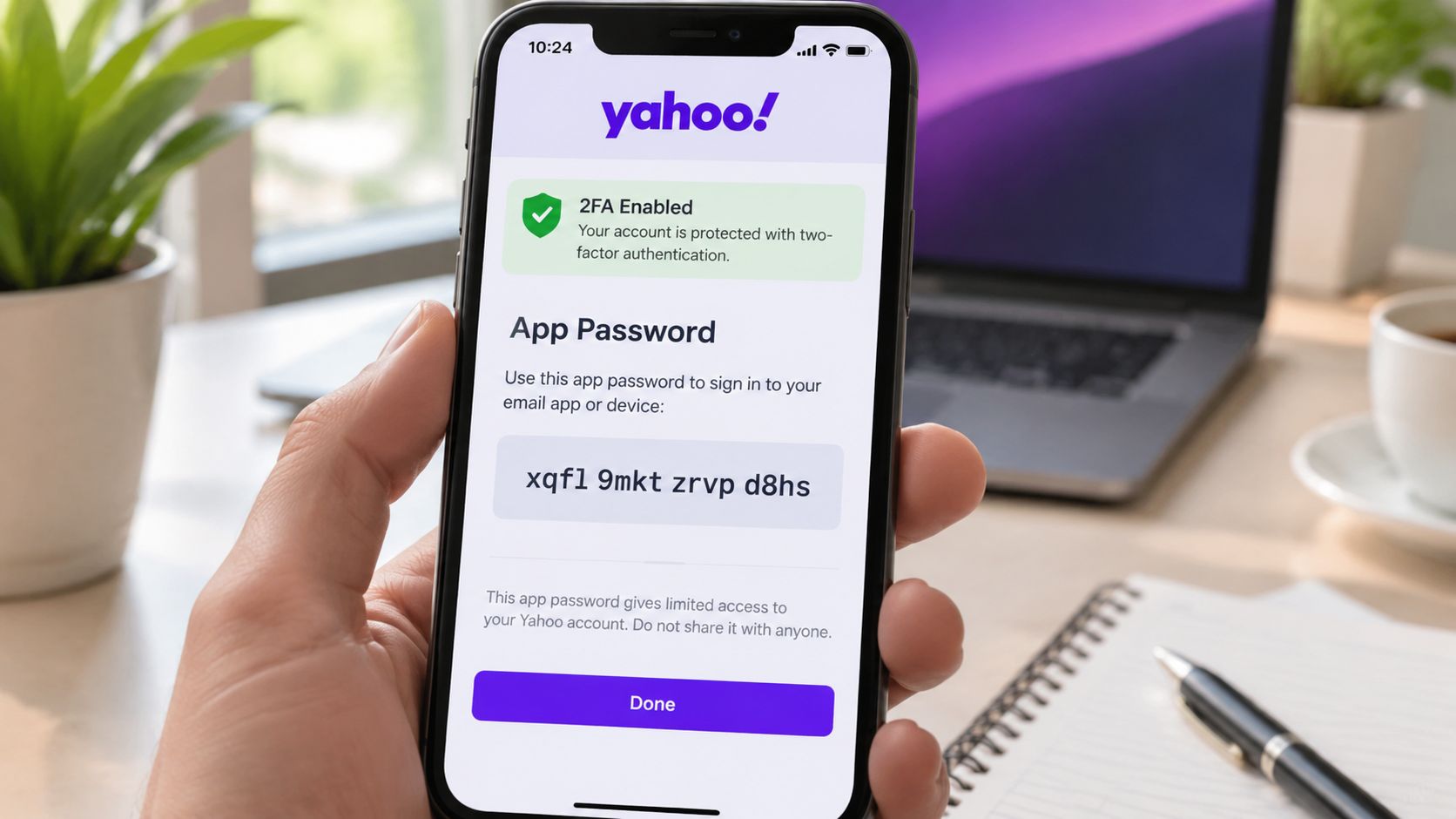
For third-party tools, Yahoo requires a separate credential. Specifically, users must generate a unique 16-character App Password via the Yahoo Account Security page rather than using the primary account password, because the standard password is rejected by SMTP clients when 2FA is enabled, as described in this Yahoo SMTP walkthrough on Dev.to.
That's the distinction many reps miss. They know the account password works in the browser, so they assume it should work in Outlook, Thunderbird, or an outreach platform. It won't. Yahoo treats third-party SMTP access as a separate trust boundary.
This is good security practice. If an external client gets compromised, the app password can be revoked without exposing the primary login.
How to generate the app password correctly
Use this workflow and don't skip steps:
Log into Yahoo Mail in the browser
Go straight to your account settings while already signed in.Open Account Security
Find the security area for the mailbox, not the mail client.Select Manage app passwords
Yahoo generates the credential from that screen.Create a new app password
Yahoo will issue a 16-character password for that connection.Paste that password into your SMTP client
Use it in the password field. Don't use your normal Yahoo login password.
One more reference helps if you want to see the flow visually:
The operational takeaway is simple. When a rep says, “My password is correct, but Yahoo still rejects it,” assume they're using the wrong kind of password first. Don't start by blaming the network, the mailbox, or the tool.